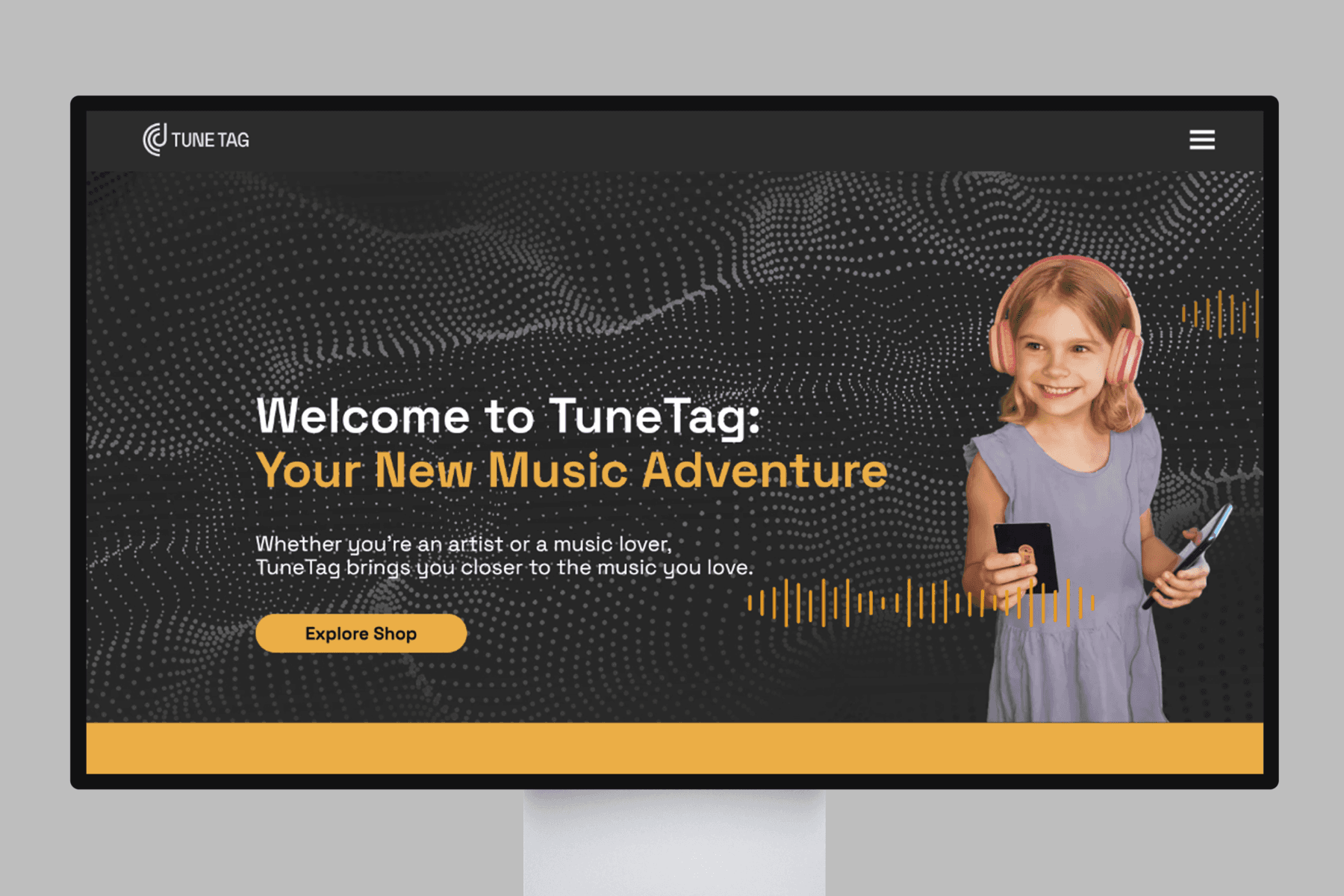
Tune Tag
Tap a card with your phone to play an album
Tune Tag sells music on cards with an NFC chip. Fans tap the card with their phone and play the album in the browser, with no app and no account.
We research, wireframe and design web and mobile apps in Figma, with clickable prototypes and a design system.
UI (user interface) design is how your app looks: the screens and buttons. UX (user experience) design is how easy it is to finish a task.
We research, wireframe and design every screen in Figma, and you test a clickable prototype before anyone writes code. For example, we designed and built the Tune Tag website, where fans tap a card and play an album.
We talk to your users and draw simple page plans, so we fix the flow before we design the look.
Every screen of your web or mobile app designed in Figma, ready for developers to build.
A prototype you tap through like the real app, so you can test it with users before anyone writes code.
One set of colors, fonts and reusable parts, in Figma and in code, so every screen matches.
We review where users give up in your app or on your site, and redesign those steps.
We work in 4 steps, from the first call to support after launch. You see a demo every week, and nothing goes live until you approve it.
Book a free 30-minute call. We ask about your business, your users, your budget and your deadline.
You get: an estimate for your project
We write down every feature, the order we build them in, how long each part takes and what it costs. If the plan has to change, we tell you the new time and cost before we go on.
You get: a written plan to approve before we start
We build one part at a time. Every week, we show you a demo of the work on Google Meet, and you tell us what to change. Between demos, you can message the people who build it on WhatsApp.
You get: a demo of the work every week
You check the finished work first, where your users cannot see it. When you approve it, we launch it or hand it over, and show your team how to use it. After launch, we fix problems and make updates.
You get: your work live or in your hands, and a team that knows how to use it
Tune Tag
Tune Tag sells music on cards with an NFC chip. Fans tap the card with their phone and play the album in the browser, with no app and no account.
We build AI agents that answer customers, make phone calls and do repeated work, from your own knowledge base.
We build custom web apps and SaaS platforms, with the APIs, databases and cloud setup behind them.
We build iOS and Android apps with Flutter, React Native or native code, and publish them to both stores.
Book a free 30-minute call and tell us what you need. We will suggest the next step and send you an estimate of the cost and time. During the project, you see a demo every week and can message the people who build it on WhatsApp.